Open a shared study in your browser
Overview
This guide explains how to open a shared medical study link directly in your browser using 3DICOM, view it in a read-only session, and display any existing measurements or annotations provided with the study.
Step-by-step instructions
Open the shared study
Step 1. Open a new browser tab.
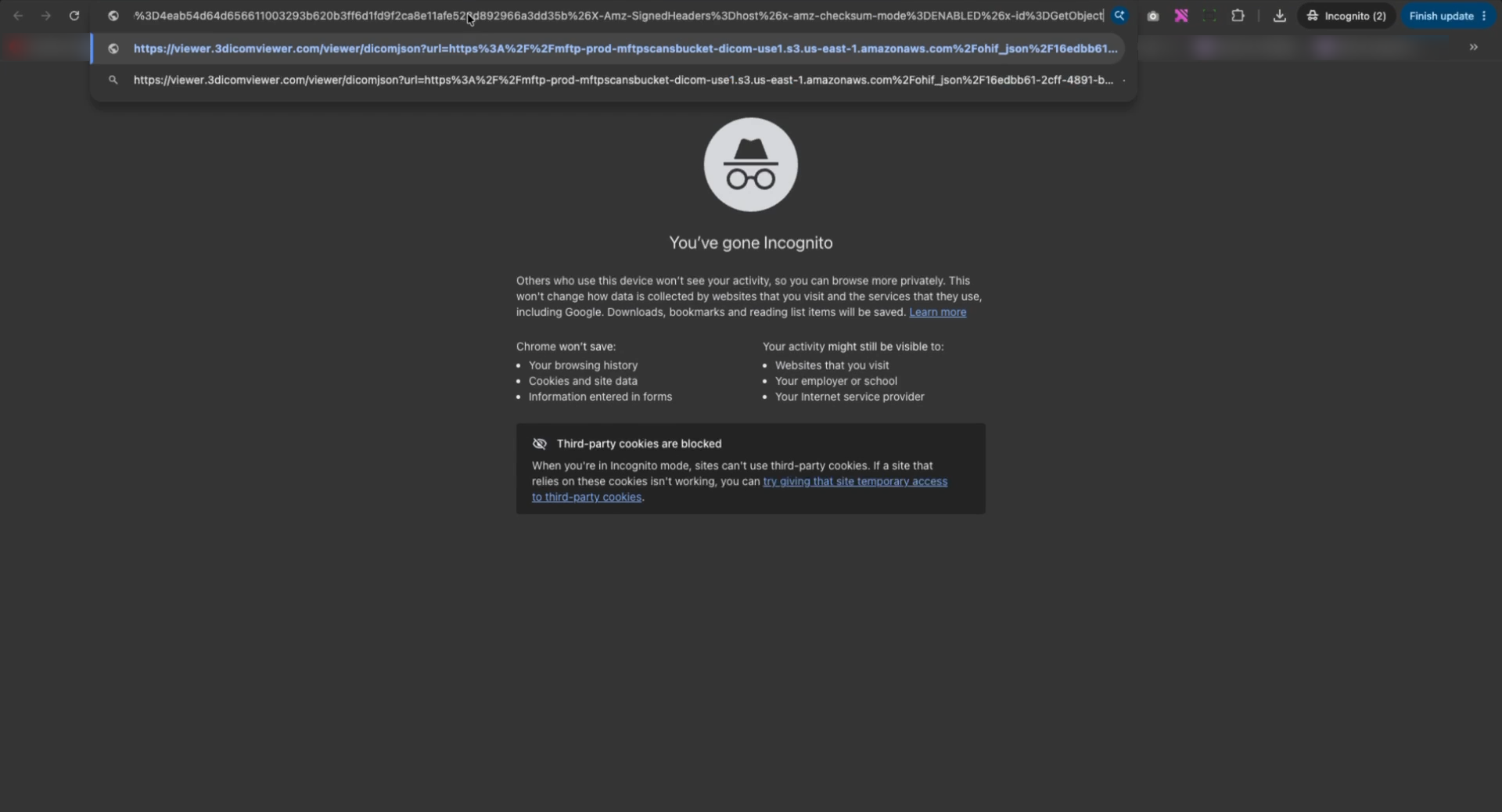
Step 2. Paste the shared study link into the address bar and press Enter.
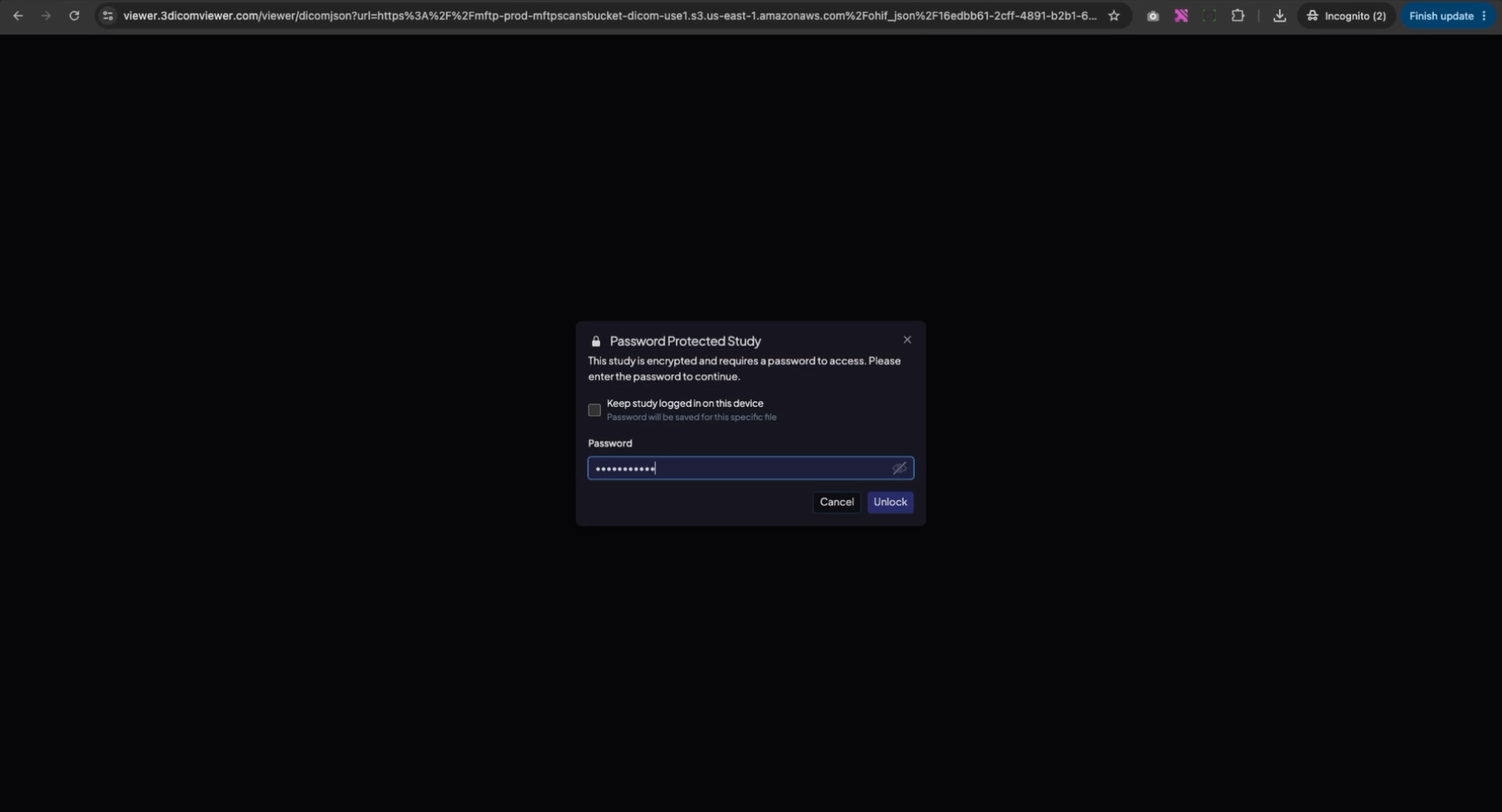
Step 3. Enter the provided password when prompted and click Unlock to access the study.
View the study and load annotations
Step 4. Once the study loads, it opens in view-only mode. Measurements and annotations are not visible by default.
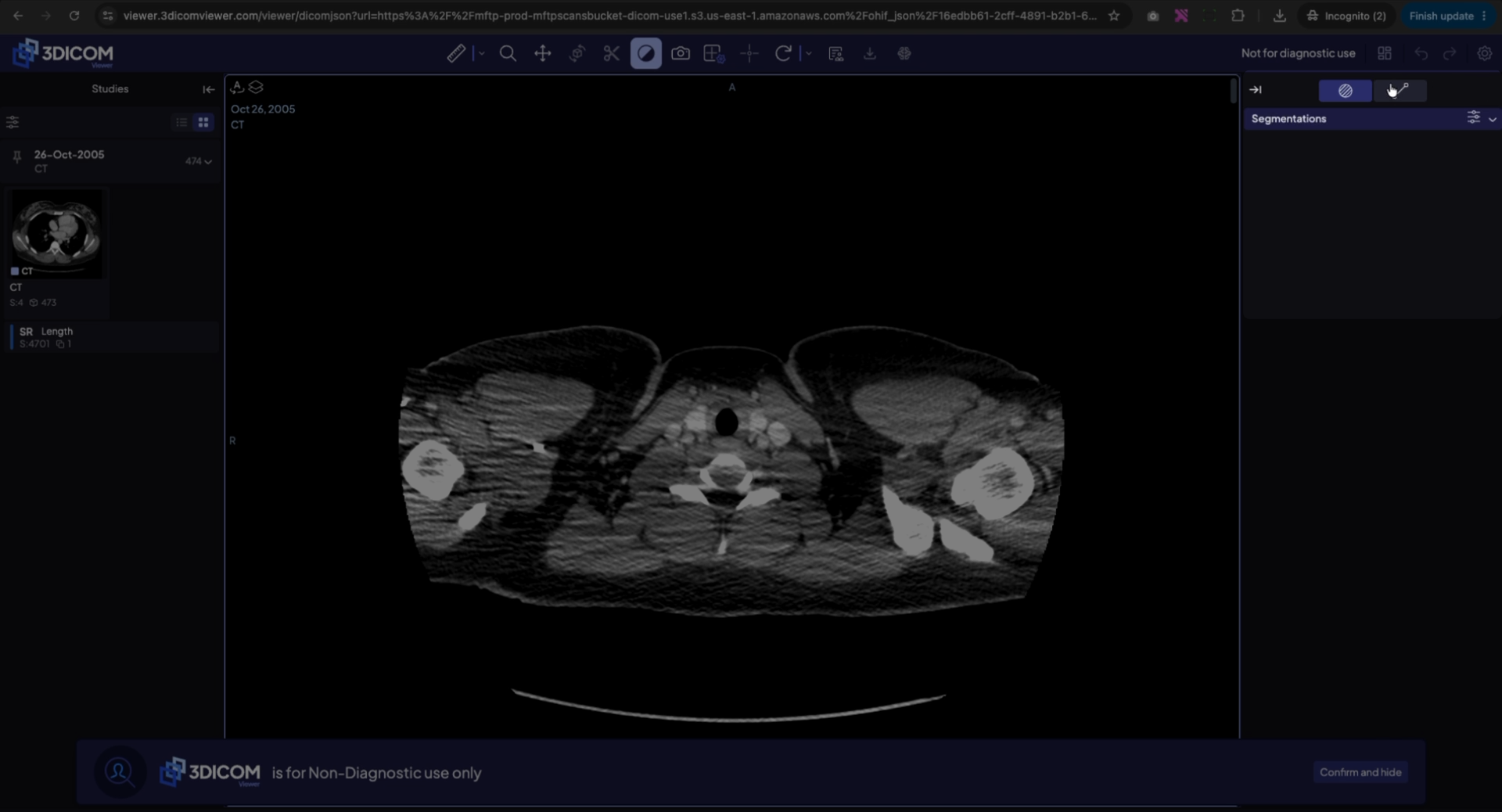
Step 5. Navigate to the left panel to find the structured report.
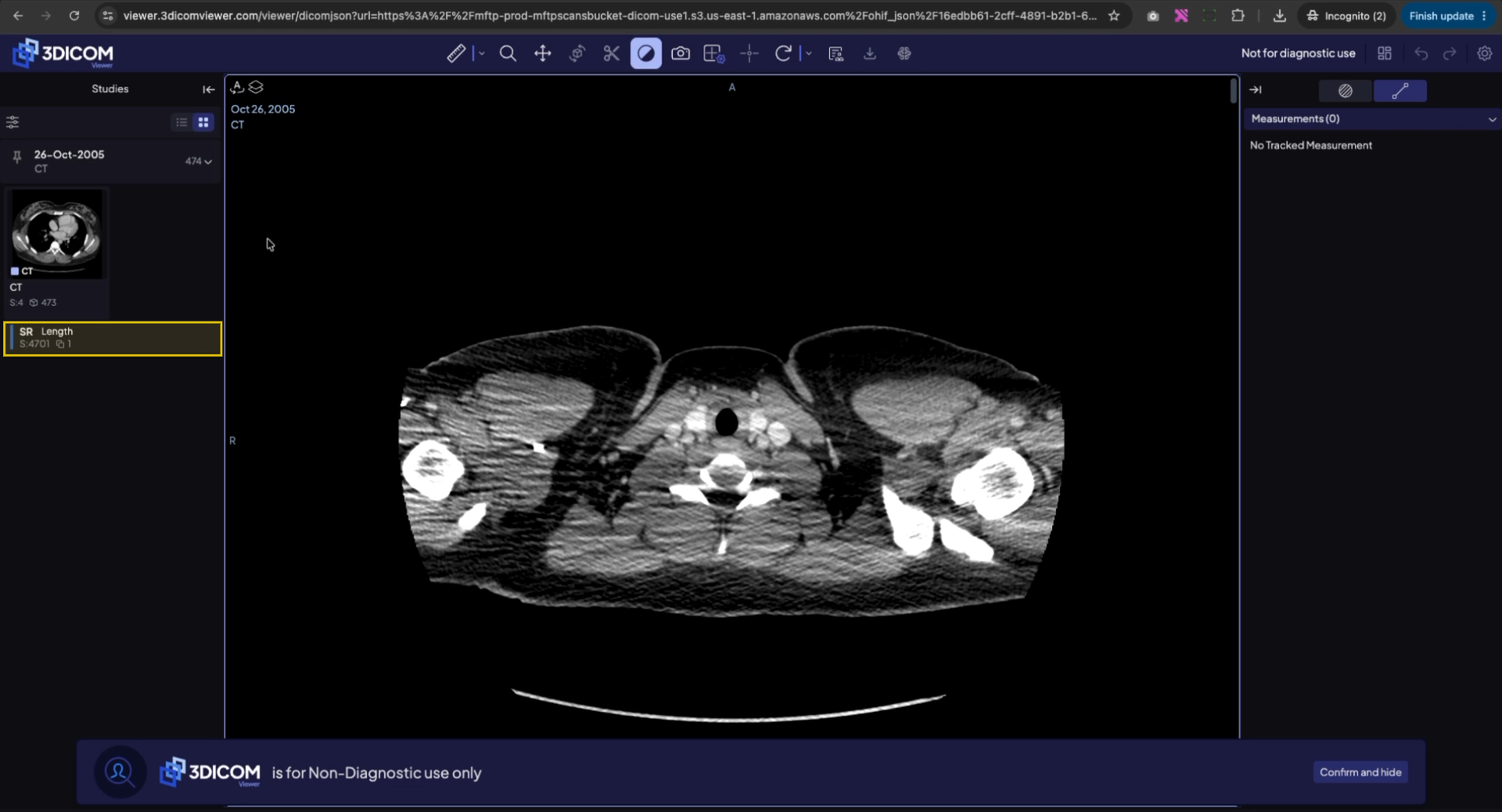
Step 6. Right-click the structured report and select Add as Layer.
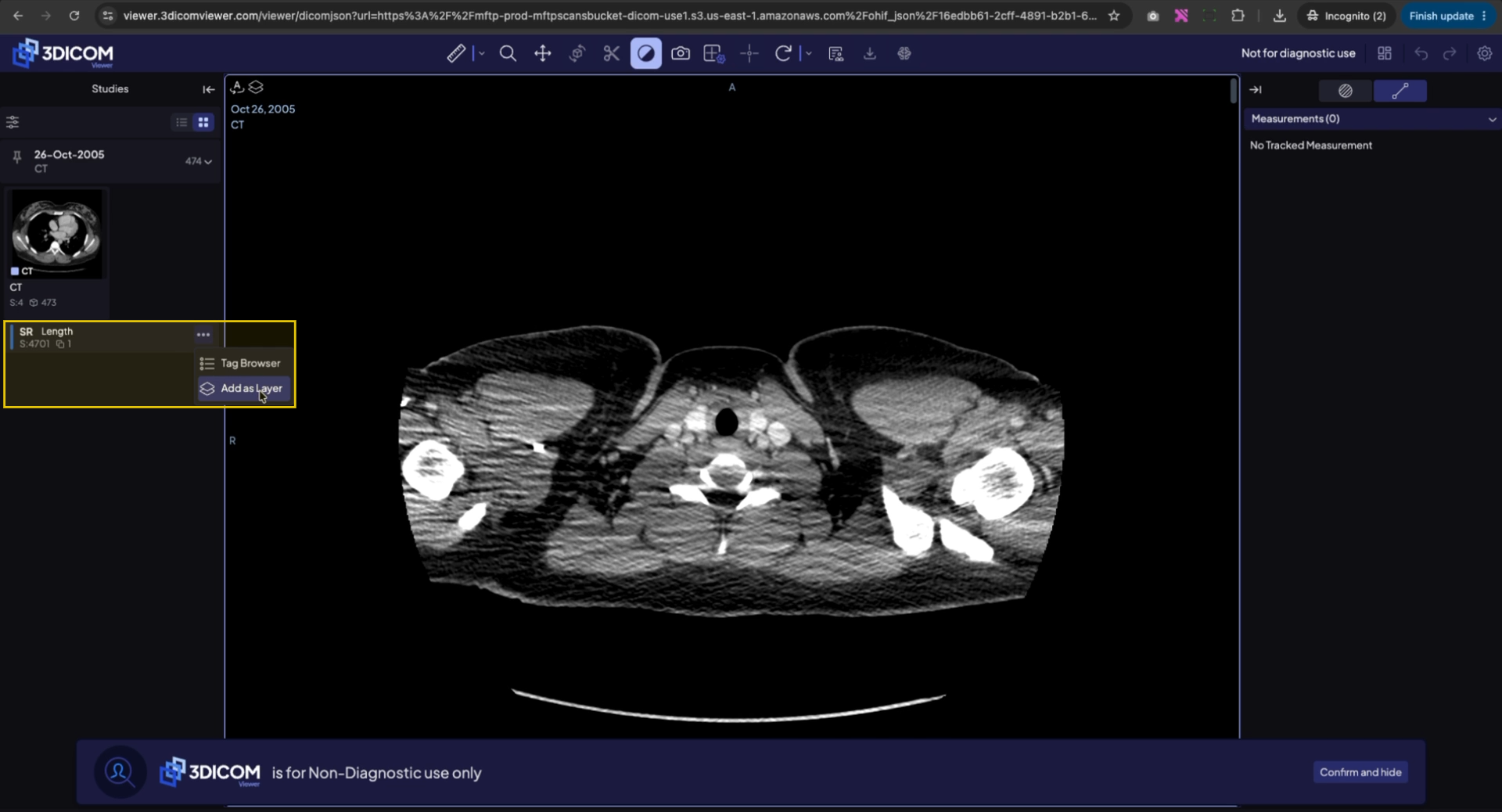
Step 7. In the confirmation dialog, click Yes to display the measurements and keep them tracked on the scan.
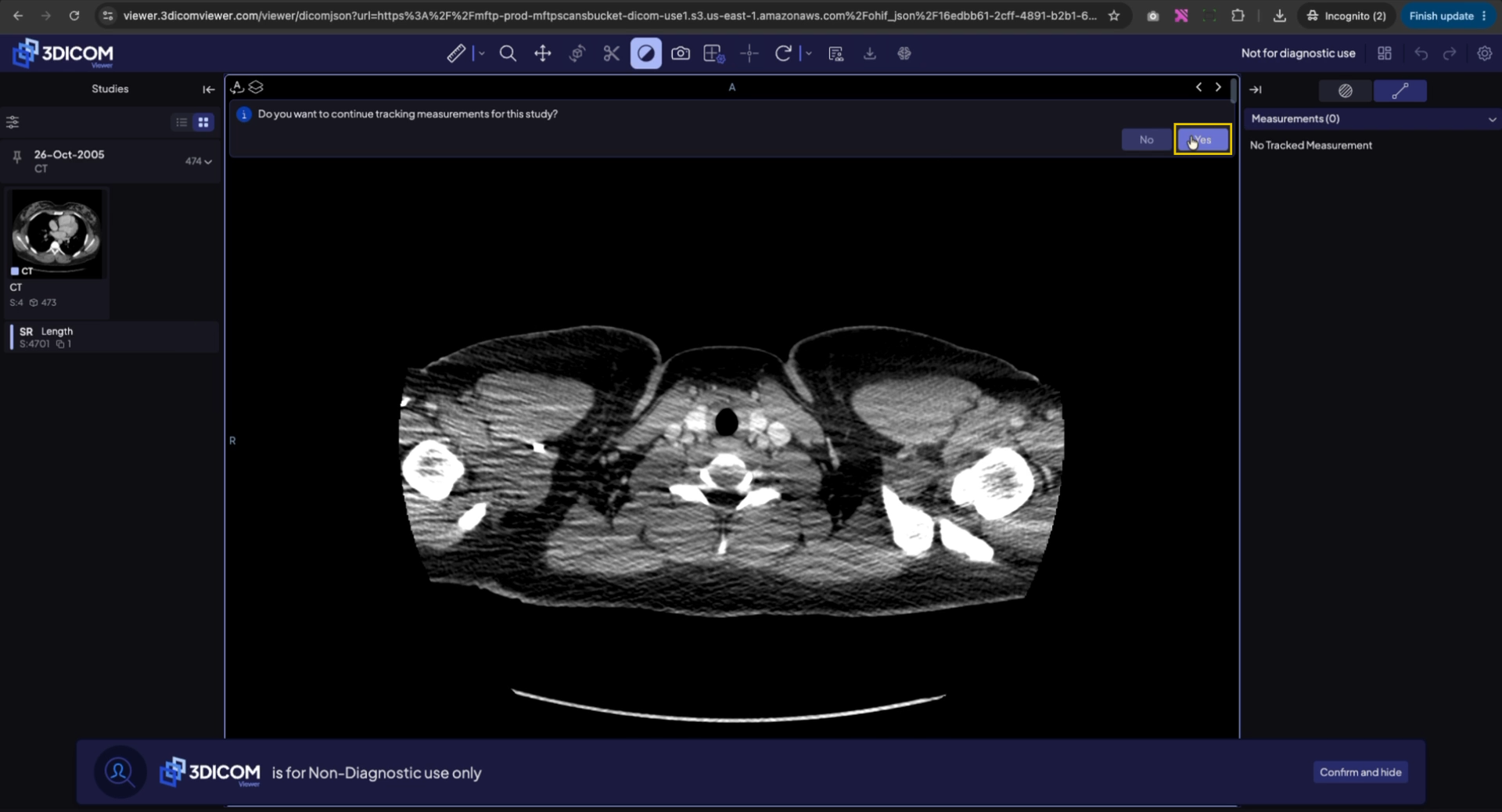
Step 8. The scan will now show all existing measurements and annotations as overlays.
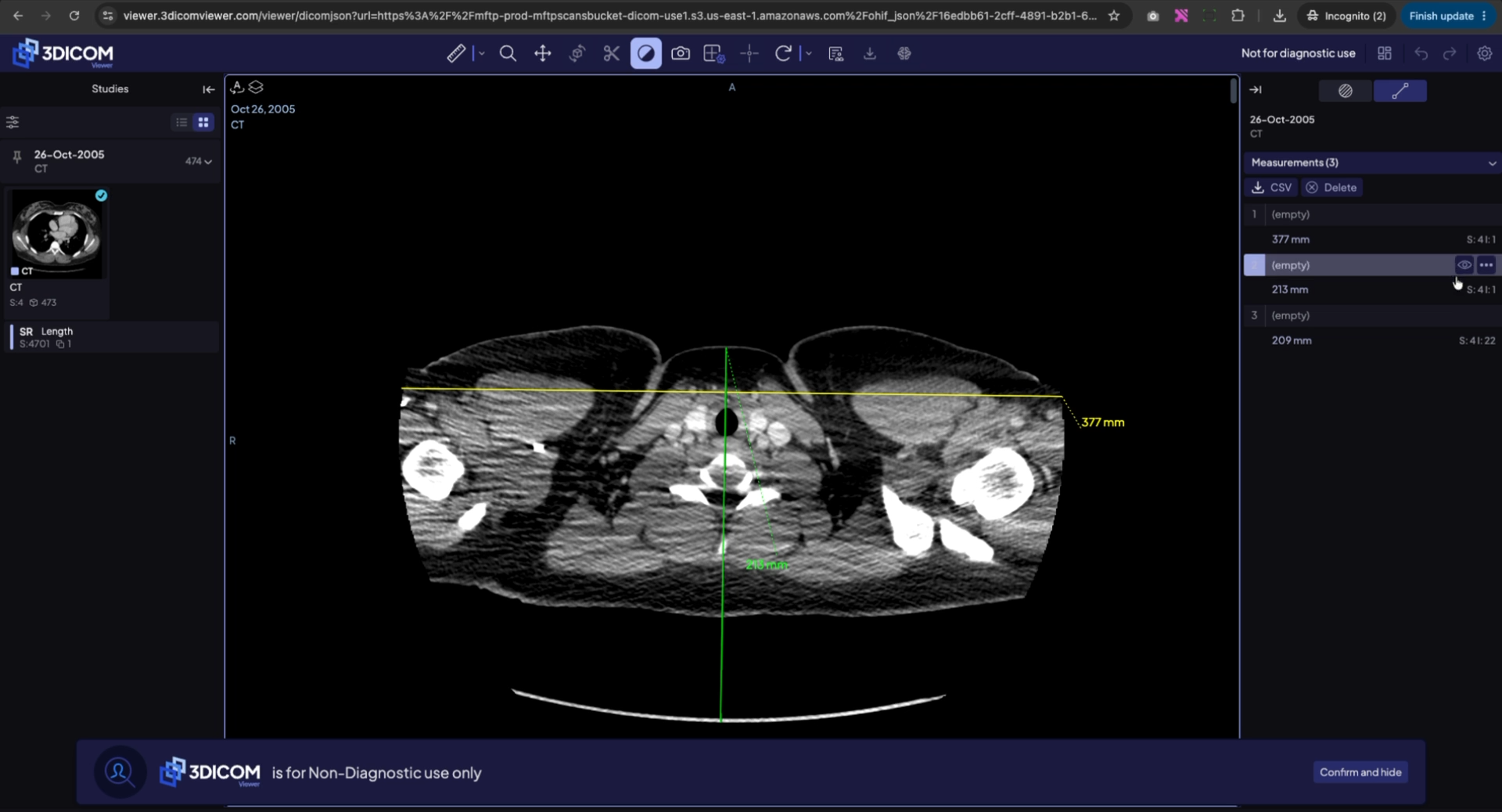
Result
After following these steps, you will be able to view the shared study and see all included measurements and annotations as demonstrated in the video.