Clinical Viewer

Clinical Viewer

Viewer-Functions

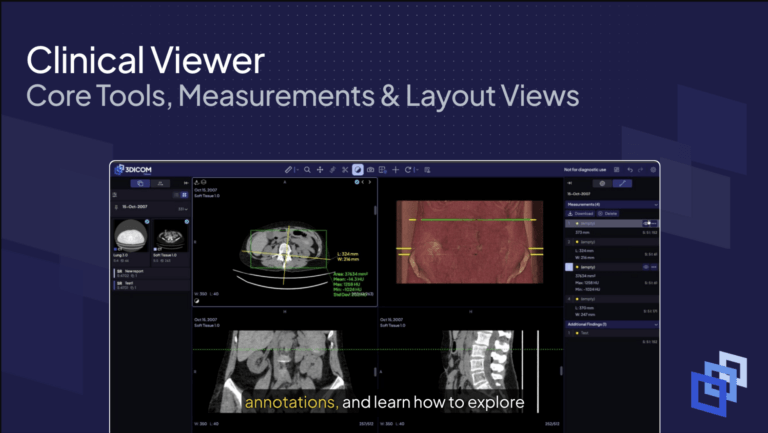
Measuring and annotating scans in 3DICOM Overview This guide walks you through adding measurements and annotations to your medical scans, and shows how to explore data using 3D and multi-panel layouts in 3DICOM. Step-by-step instructions Add measurements to your scan…

How to Run & View AI Model Outputs: Using TotalSegmentator

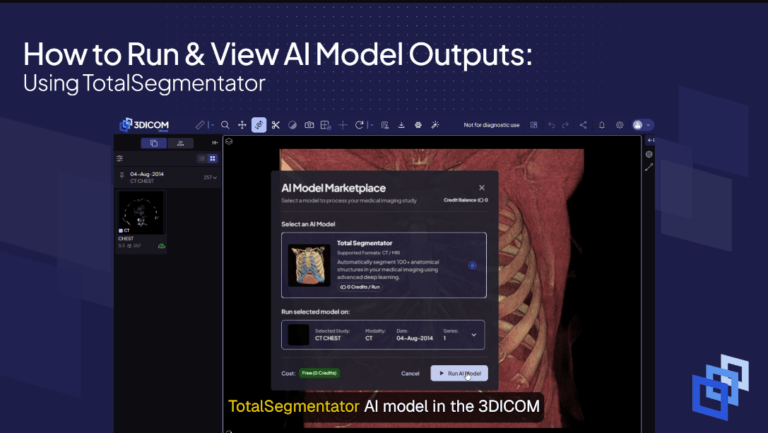
How to Run & View AI Model Outputs: Using TotalSegmentator Overview This guide shows you how to run the TotalSegmentator AI model in the 3DICOM Viewer and view its segmentation outputs. You’ll also find key recommendations for achieving optimal AI…

How to Take a Screenshot

How to Take a Screenshot

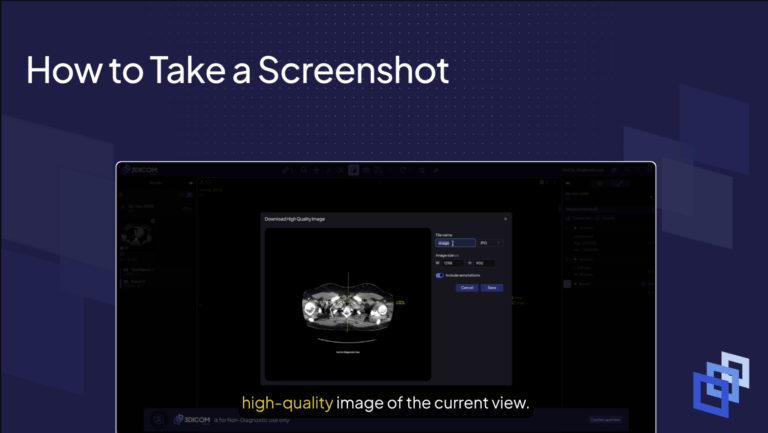
Export a high-quality annotated image Overview Quickly capture and save the current 3DICOM viewport—including all measurements and annotations—as a high-quality image for sharing or documentation. Step-by-step instructions Open the capture tool In the top toolbar, select the Capture icon. Set…